

July 6, 2025
4 weeks
Wheel Escape
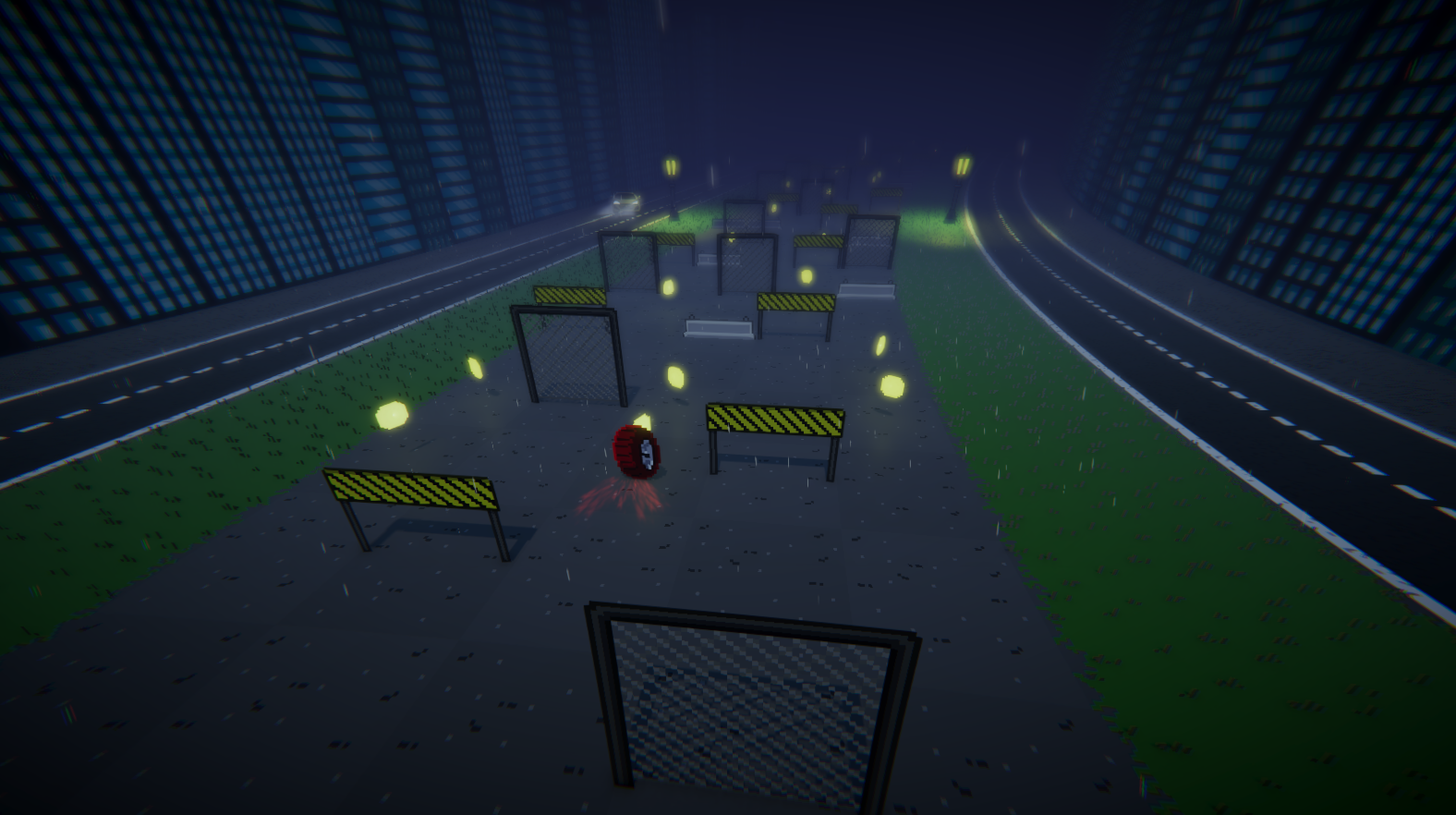
Wheel Escape is an endless runner game, a genre mainly found on mobile devices. I created this game entirely on my own in order to challenge myself in all aspects of video game development.
The idea came to me during a procedural generation course I took on Unreal Engine. Seeing my colleagues having fun with this little buggy game, I always told myself that I would redo it properly on Unity Engine.
The goal of this project was to practise procedural generation. So I created a cell generation system with rules that allow for infinite gameplay.
Download the game!
Player Character
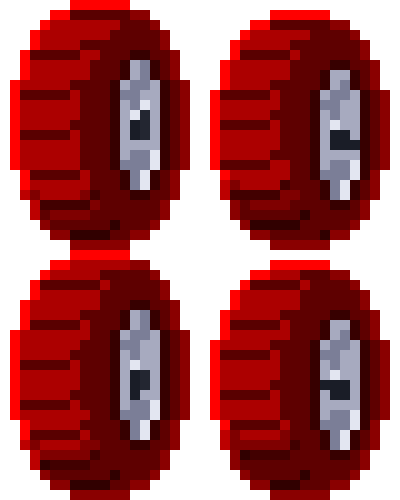
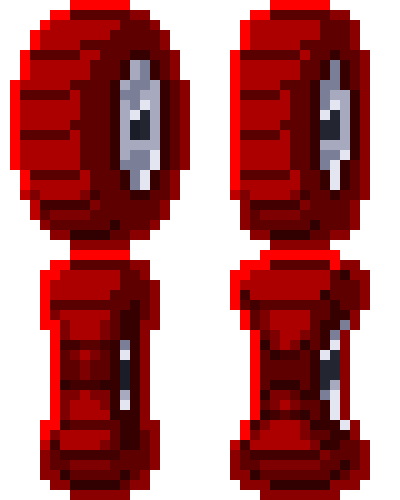


I started by creating my character and its movements. I had fast gameplay in mind, so the character's movements had to reflect that.
As for forward movement, as in any game of this type, it's not the player who moves forward, but the terrain that moves backward.
For lateral movements, jumping, and sliding, I modify the X and Y values of a vector in coroutines at the right moment. I then constantly apply this vector to my character's velocity in ApplyMovement().
This allows for precise movements: my character is constantly in the center of the row and does not stray from it by even a millimeter.
I can then easily modify the variables for movement speed, jump height and duration, slide duration, and attack duration in the editor.


Cells


I decided to create only one prefab cell and organise the different types within it. The next step was to modify the type in the cell code itself.
I opted for six cell types in order to have enough variety so that each one could challenge the player in a different way:
-
A neutral type that allows the player to navigate freely
-
A low wall that requires the player to jump over it
-
A barrier that requires the player to jump over it or slide under it
-
One with a wall that completely blocks the player and requires them to dodge the obstacle
-
An enemy that can be eliminated and earns points
-
A coin that earns points once the player passes through it
Procedural Generation
I wanted to create a tool that would allow me to easily iterate and test my procedural generation rules.
For each cell type, I have a window containing several lists:
-
Each list represents a cell surrounding the current cell.
-
Each list contains the types of cells that can appear.
-
At the bottom of the window is a diagram representing the cells around the current one. The types in green are those that can appear, while those in black are those that cannot.
Since my cells appear from bottom to top and from left to right, there is no point in defining the cells to the right and above the current one because they simply do not exist yet.
Selected cell type
Cell types that may appear on the left
Other cell type locations
Diagram of surrounding cells


For example, in this screenshot, I am defining the rules for wall-type cells. The open list is that of the cell to the left of the current cell. We can see that this list contains all cell types except walls. This means that a wall cannot appear next to another wall.
Level Shift

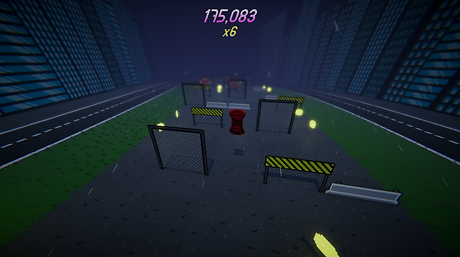
Gameplay excerpt from one of the early versions of the game

My terrain moves toward the player; it is not the player character who moves forward. This allows you to always maintain an overview when working in the scene.
The game contains several sections, each of which modifies the speed of the terrain and adds cell types.
For example, enemies only appear after thirty seconds, when the first section change occurs.
The script is organized so that each of these variables is easily identifiable and you don't get lost. It's easy for someone who hasn't worked on the project to add new sections or modify values.

Graphics
Shader

I created a shader that I apply to all my sprites so that they follow a curve, giving the sensation of turns and elevation changes.
This is only visual, because the game is actually a straight line in terms of technique.

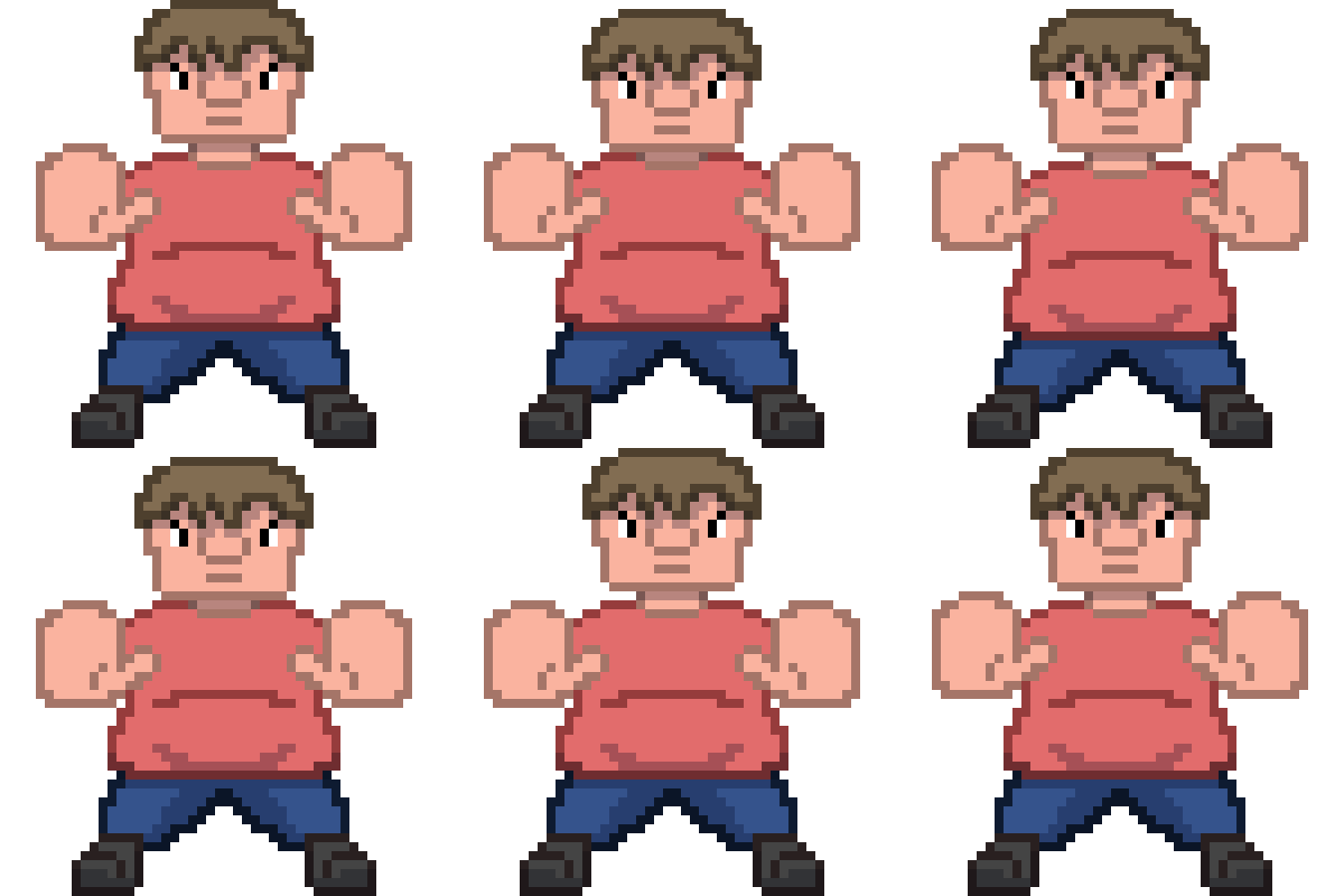
Some sprites


Additional Work

Sound Design