


November 17, 2025
3 weeks

Haikyu!! Spike That!! is a multiplayer sports game, specifically volleyball, based on the manga of the same name.
This game is inspired by the soccer game Rematch, in which the player controls only one player on the field and must team up with other players.
It is also inspired by the Hero Shooter genre with its skill/power system.
As part of a school assignment, I only had three weeks to develop this project, including documentation. So I only implemented a training scene with AI in the engine. I didn't have time to integrate multiplayer.
3C
Player Character

For each character, I create a Scriptable Object containing various information, including sprites, name/description, and character skills.
This makes it easy to create a new character and configure its settings.
For a game with such a complex player character, it is necessary to be able to adjust a lot of parameters. I organized the script component so that everything is easy to find.


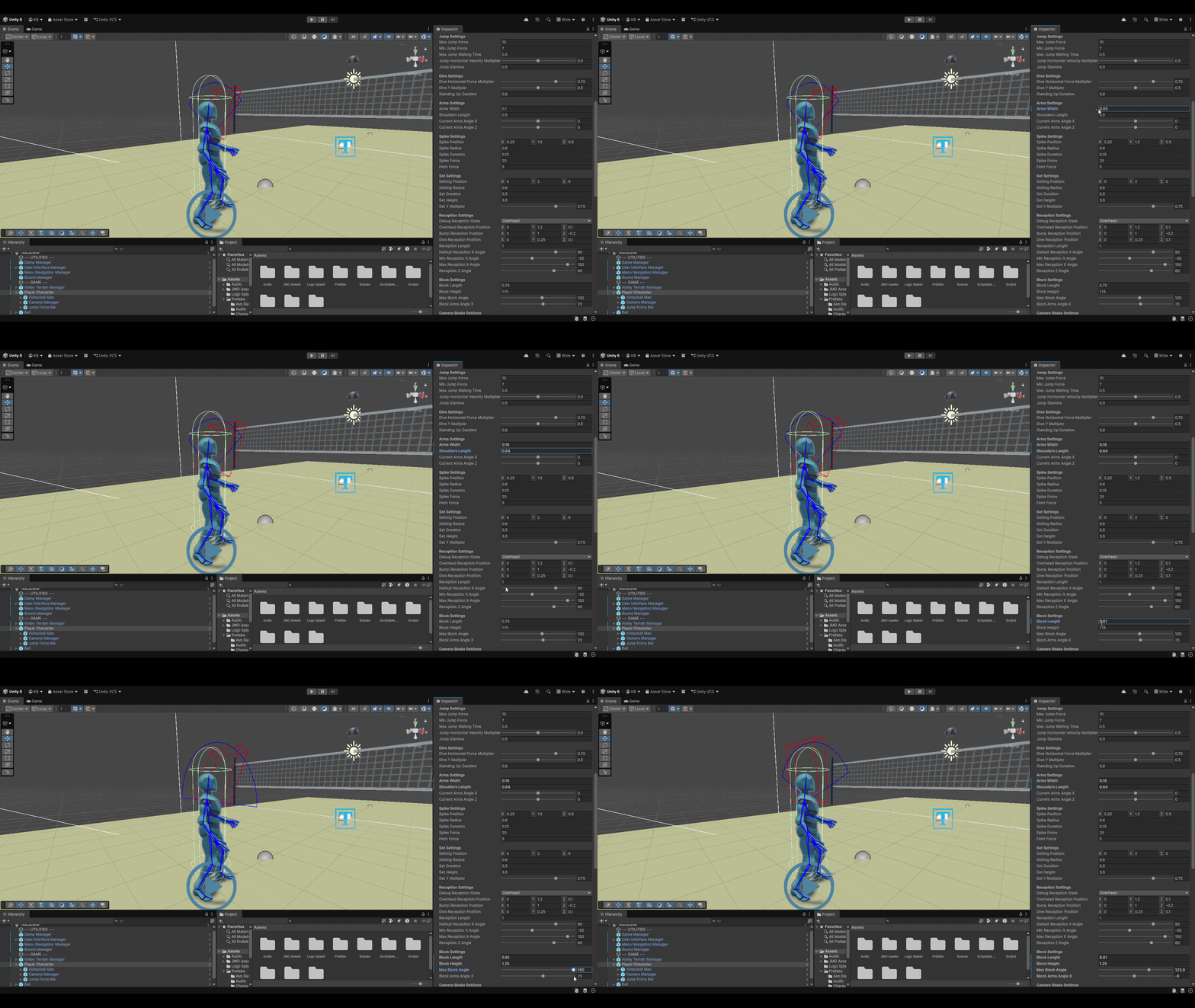
To accompany this complex script, a large number of gizmos are integrated to assist the designer.
In the example below, I am setting the values for the action of blocking the ball. I can visualize what this would look like in the game using debug variables.
It is possible to change the debug of the current action via the variable at the top of the “Debug Action State” component.
Camera
In a game with so many different actions, each with their own specific characteristics and uses, I felt it was necessary to have a wide variety of cameras. So I set up a system where, depending on the player's actions, the camera will move and rotate gradually.

Default camera
This camera is used to show the entire terrain from the character's point of view. I decided to place it on the shoulder and slightly higher up so that the character does not take up too much space on the screen.

Spike camera
This camera is used when the player attacks. So I centred it on the opposing team's half of the pitch to get a better view of where the player wants to attack.

Block camera
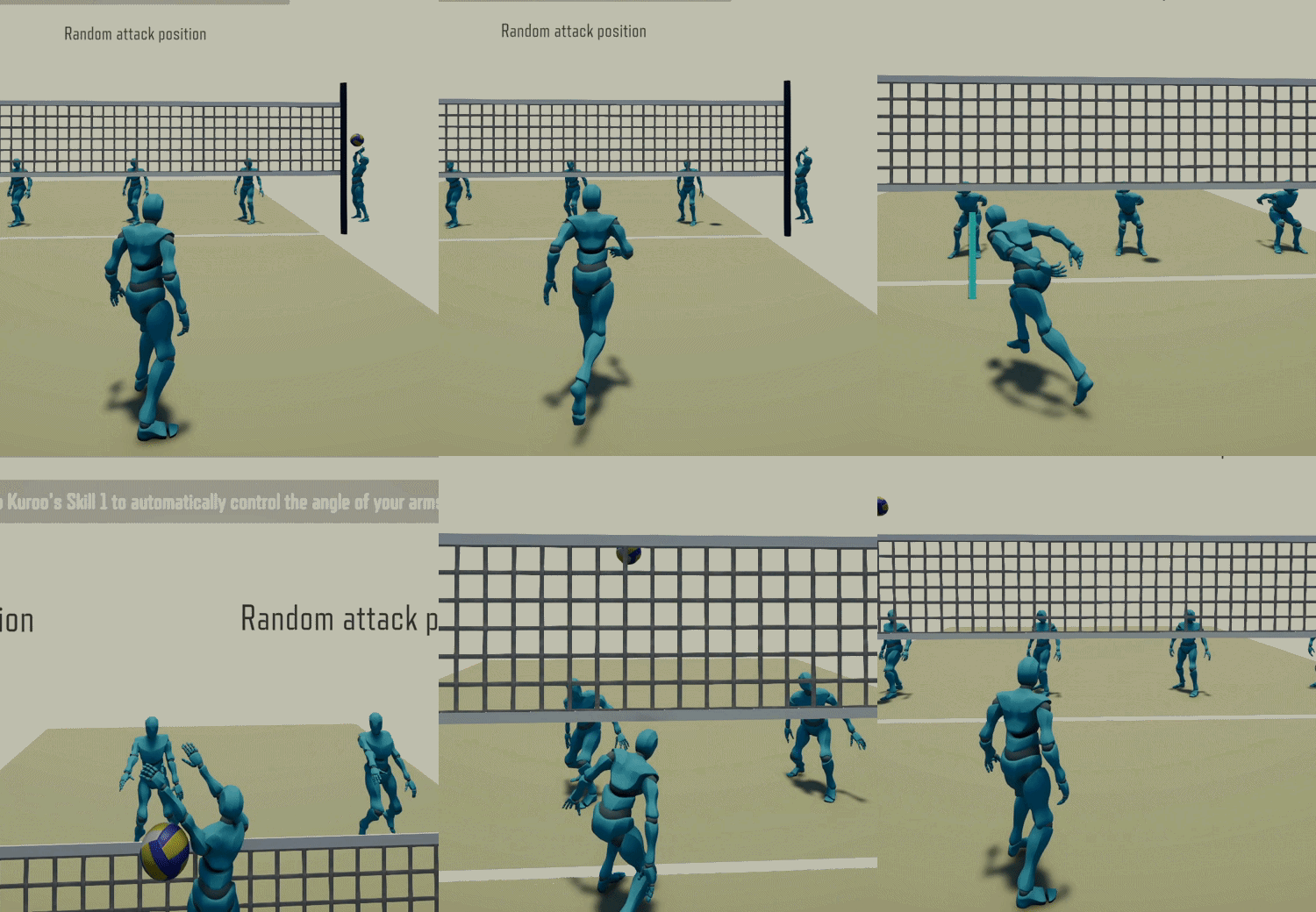
This camera is used when the player is blocking. I positioned the camera in relation to the player so that the arms are in the centre of the screen, making it easier to adjust their angle.

Set camera
This camera is used when the player is setting. It is a type of top-down camera that shows the entire pitch of the player's team, allowing them to pass the ball to their teammates more easily.

I implemented this system using a Camera Manager script. It lists all cameras according to the player's action and the blend time it will take for the camera to move from its current position to the new one.

Character' Skills


The characters' skills are also partly created using Scriptable Objects.
These contain information about the skill, such as its sprite and name/description, as well as useful information such as the Scriptable Object for the skill's effect and its cooldown time.
The effect itself contains only two pieces of information: its duration and a reference to the prefabricated visual effect that accompanies it.
The application of this effect is contained in the Scriptable Object code.
Once in the game, this is what you see when the player hovers their cursor over a character's skill in the character selection menu.
And this is what you see in the image below when they use the skill.


Ball Physics

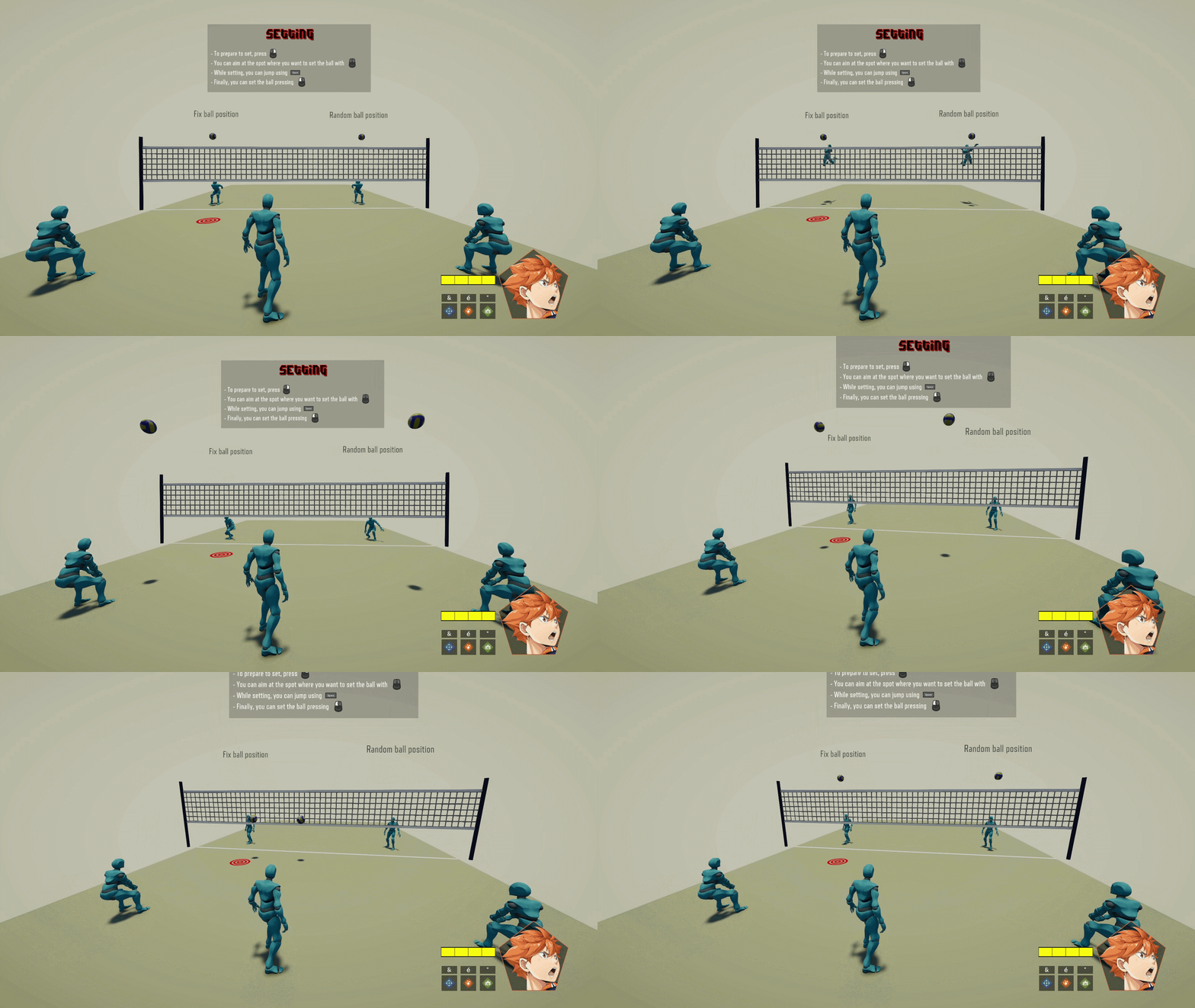
For the ball physics, I didn't use Unity's physics engine, but programmed my own. This gives me complete control over the behavior I need and avoids using complex native physics calculations that are unnecessary and would increase the likelihood of bugs.
I also use a second script that applies the ball's reactions to the characters' various actions, such as a smash or a reception.
Animations
I started by retrieving animations from Mixamo, then modified them to create volleyball animations.
To manage these animations, I use two layers in my Animator: one for the default animation, and one that only controls the bust. The latter adds its modifications to the basic animation without completely breaking it. This saved me animation time and also made it easier to modify part of an animation in the code to match the character's controls.

Default layer

Bust layer

Bust mask
Arms control
Additional Work

Sound Design